
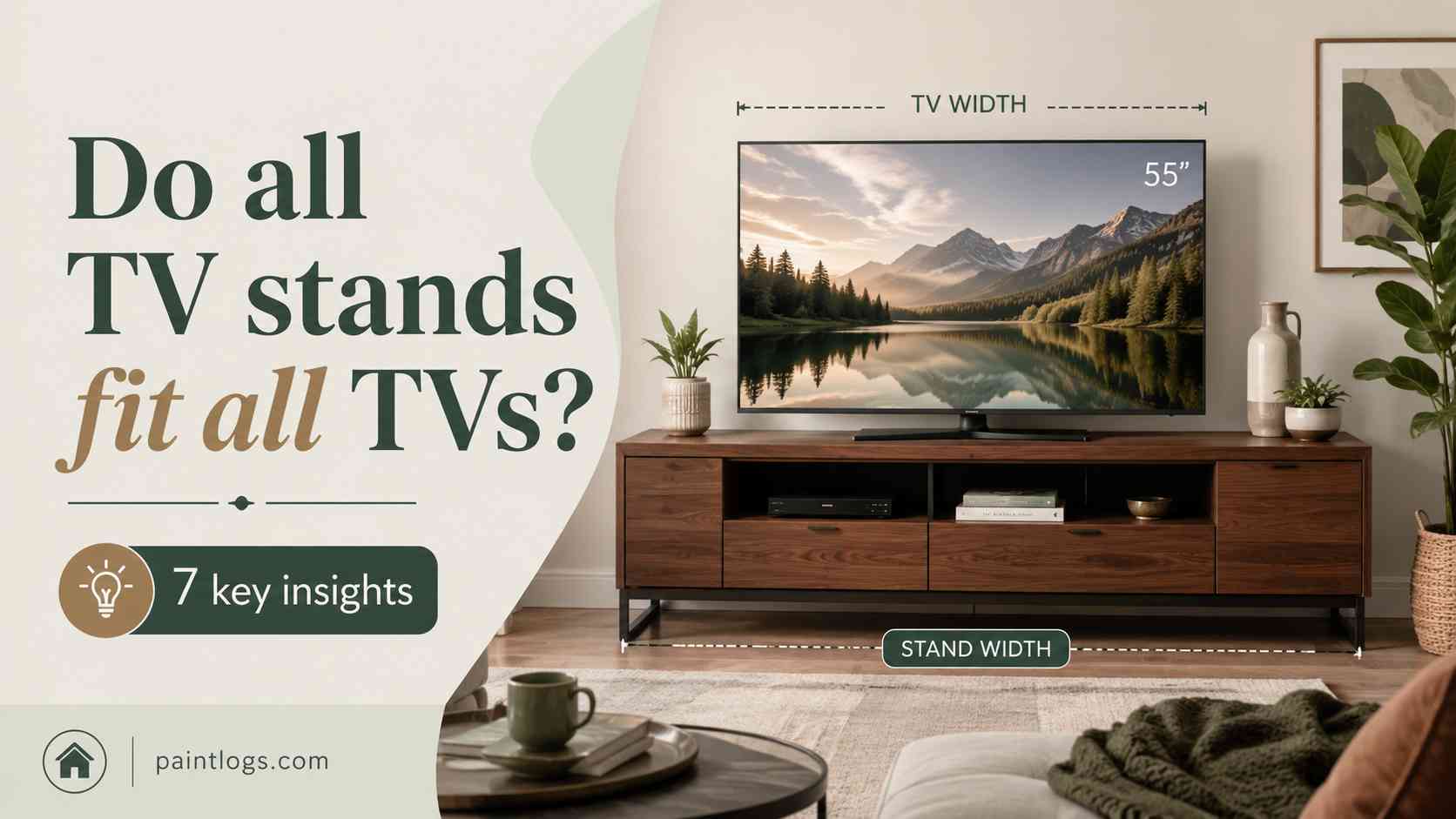
Do all TV stands fit all TVs? (7 key insights)
In this guide, you’ll understand exactly how TV compatibility works in real life, how to measure it correctly, and how to avoid costly mistakes. You’ll also see real scenarios, comparisons, formulas, and practical tables so you can confidently choose the right setup for your space.
Why the question “Do all TV stands fit all TVs?” matters more than you think
The short answer is: No, not all TV stands fit all TVs. But the reason is not obvious until you break it down into three key technical constraints: size, weight, and mounting standard (VESA).
Think of a TV stand like a shoe. A size 10 shoe does not automatically fit every foot—even if it looks similar. TVs work the same way. Two 55-inch TVs from different brands may have completely different mounting patterns and weights.
Key takeaway: TV compatibility is structural, not visual.
What actually determines whether a TV stand fits your TV?
To understand the question “Do all TV stands fit all TVs?”, you need to break compatibility into three measurable dimensions.
| Factor | What it means | Why it matters | Common mistake |
|---|---|---|---|
| Screen size | Diagonal measurement (inches) | Affects stand width and balance | Assuming same size = same fit |
| Weight | Total TV mass (kg/lbs) | Determines structural safety | Ignoring stand load limits |
| VESA pattern | Mounting hole spacing (mm) | Ensures bracket alignment | Buying incompatible brackets |
Each of these must align. If even one fails, the TV stand is not compatible.
Understanding VESA: the hidden standard behind TV fit
VESA (Video Electronics Standards Association) defines the spacing of mounting holes on the back of TVs. You can learn more here:
- VESA Mounting Standard (Wikipedia) – explains how TV mounting patterns work
- VESA Official Site – technical specifications and updates
- Mounting bracket overview – types of TV mounts
For example, a TV might have a VESA pattern of 200×200 mm, while another has 400×400 mm. Even if both are 55-inch TVs, they will not necessarily use the same stand brackets.
Real-world scenarios: when TV stands do NOT fit
Here are three common everyday situations where people get surprised:
Scenario 1: The “same size TV” mistake
You replace a 50-inch Samsung with a 50-inch LG. The stand fits visually, but the VESA holes don’t align. Result: unstable mounting or forced adapter use.
Scenario 2: Weight overload
A glass stand rated for 30 kg is used for a 40 kg OLED TV. The stand bends slightly over time, creating a safety risk.
Scenario 3: Wide base mismatch
Some TVs have wide feet instead of central mounts. The stand surface is too narrow, causing instability.
Comparison: types of TV stands and compatibility
| Type | Best for | Compatibility | Risk level |
|---|---|---|---|
| Fixed tabletop stand | Small TVs (24–43″) | Limited VESA range | Medium |
| Universal pedestal stand | Most mid-size TVs | Wide VESA support | Low |
| Swivel mount stand | Large living rooms | Highly adjustable | Low |
Key takeaway: “Universal” stands are not truly universal—they are just more adjustable.
Simple formulas to check TV stand compatibility
Formula 1: Load Safety Margin
Safety Margin = (Stand Max Load – TV Weight) ÷ TV Weight × 100%
Example: If your TV is 20 kg and stand supports 30 kg:
(30 – 20) ÷ 20 × 100% = 50% safety margin → good stability
Formula 2: VESA Fit Score
Fit Score = (Matching VESA Holes ÷ Total Required Holes) × 100%
If only 2 of 4 mounting points align:
2 ÷ 4 × 100% = 50% → NOT safe
Quick compatibility checklist (do this before buying)
| Check | How to verify | Pass condition |
|---|---|---|
| TV weight | Check manual/spec sheet | Below stand limit |
| VESA pattern | Measure back holes | Exact match required |
| Stand width | Measure TV base width | Stand ≥ base width |
Common mistakes people make (and how to avoid them)
Mistake 1: Assuming “same inch size = same fit”
Fix: Always check VESA and weight.
Mistake 2: Ignoring stand load rating
Fix: Add at least 20–30% safety margin.
Mistake 3: Buying before measuring
Fix: Measure TV back before purchasing anything.
Mistake 4: Overlooking foot design
Fix: Check whether TV uses center stand or side legs.
3 everyday examples you can relate to
1. You upgrade from a 42″ LED to a 65″ OLED and realize your old stand cannot support the weight.
2. You move apartments and your new furniture console is too narrow for your TV base.
3. You buy a “universal stand” online but the mounting holes require an adapter plate.
How TV size affects stand compatibility (real comparison)
| TV Size | Typical Weight | Common VESA | Stand Requirement |
|---|---|---|---|
| 32″ | 4–7 kg | 100×100 | Basic stand sufficient |
| 55″ | 12–20 kg | 200×200 | Reinforced stand needed |
| 75″ | 25–40 kg | 400×400+ | Heavy-duty stand required |
External resources for deeper understanding
- Television basics (Wikipedia) – how TVs are structured and classified
- U.S. Consumer Product Safety Commission – safety guidelines for furniture and TVs
- Consumer Reports – independent product testing and reviews
- VESA standard overview – technical compatibility rules
- VESA organization – official standards documentation
- Mounting systems explained – different bracket types
Simple calculation for real-life decision making
Formula 3: Space Fit Ratio
Space Fit Ratio = Stand Width ÷ TV Base Width
If ratio ≥ 1.2 → safe spacing
If ratio < 1 → unstable or impossible fit
Example: 120 cm stand ÷ 100 cm TV base = 1.2 → good fit
Final answer: Do all TV stands fit all TVs?
No, they do not. And now you know why.
Compatibility depends on three strict factors: size, weight, and VESA pattern. Even small differences can make a stand unsafe or unusable.
The safest approach is simple:
- Measure your TV before buying anything
- Check weight limits carefully
- Confirm VESA pattern exactly
Once you understand these rules, choosing a TV stand becomes straightforward—and you avoid expensive mistakes that many people only discover after setup.
Key takeaway: TV stands are not universal products; they are precision-fit supports designed for specific mechanical constraints.