
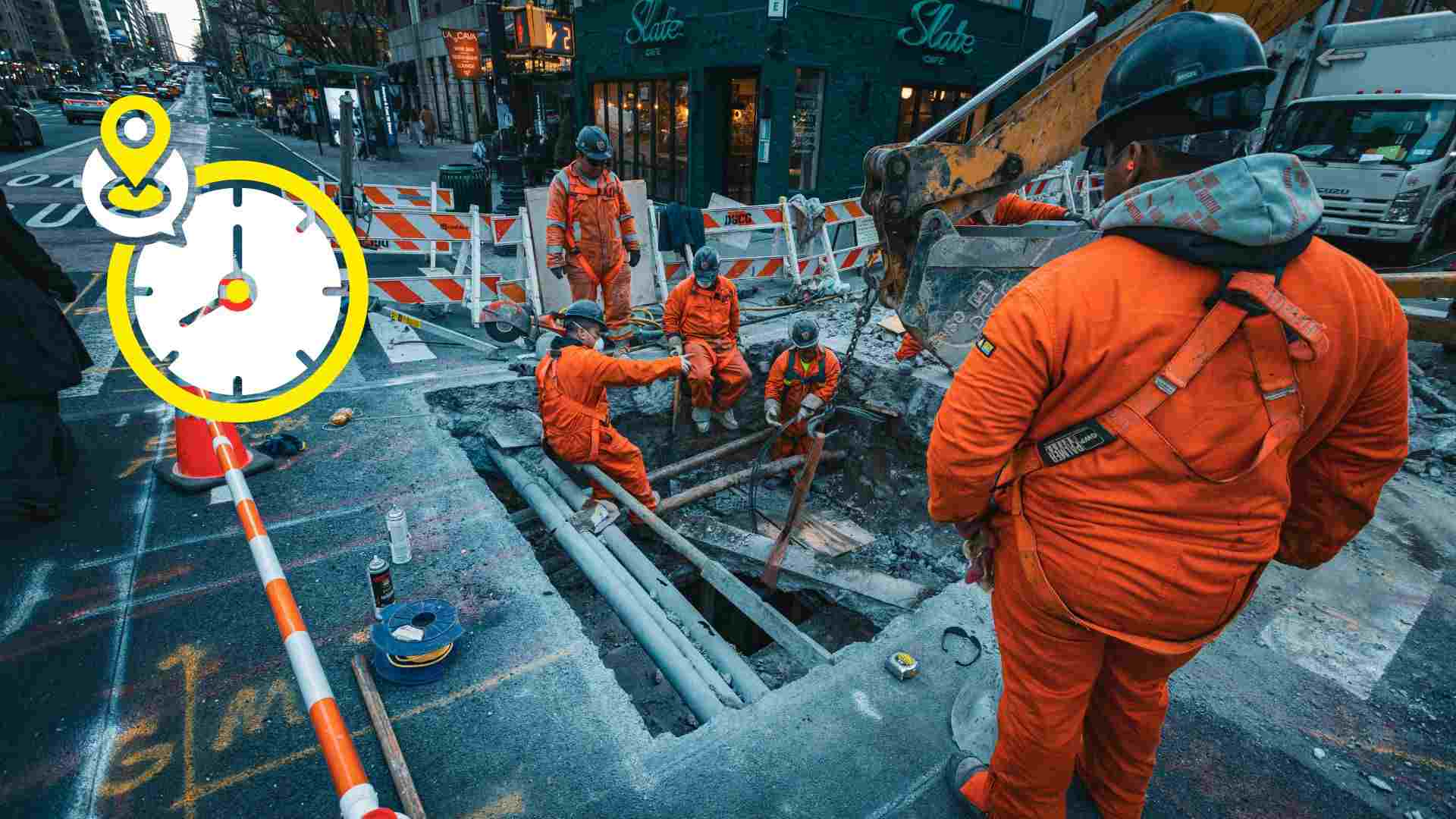
Best GPS Time Tracking Software for US Construction Crews
Labor is the single largest expense for construction companies in the United States. Research shows labor costs account for 33.6% of total costs for small construction businesses and climb to 52.9% for larger contractors. When crews move between multiple jobsites each day, even small tracking errors can snowball into major payroll losses, inaccurate job costing, and compliance risk.
That’s why GPS time tracking is no longer optional for US construction crews. Location-verified time clocks help contractors confirm where work actually occurred, assign hours to the correct jobs, and protect profitability—without relying on paper timecards or memory-based estimates.
This guide compares the top GPS time tracking software apps for construction crews in the US, ranking them by GPS accuracy, job costing, scheduling tools, offline reliability, and payroll integrations.
Apps reviewed:
- Workyard
- Buddy Punch
- Planera
- busybusy
- ClockShark
- Timeero
- ExakTime
- Jibble
GPS time tracking software apps at a glance
| App | GPS accuracy | Geofencing | Job costing | Scheduling | Payroll sync | Offline | Compliance | Starting price |
| Workyard | High | ✅ | ✅ | ✅ | ✅ | ✅ | ✅ | $6/user + $50 base |
| Buddy Punch | Moderate | ✅ | ✅ | ✅ | ✅ | ❌ | ✅ | $5.49/user + $19 base |
| busybusy | Moderate | ✅ | ✅ | ✅ | ✅ | ✅ | ✅ | $11.99/user + $40 admin |
| ClockShark | Moderate | ✅ | ✅ | ✅ | ✅ | ✅ | ✅ | $9/user + $40 base |
| Timeero | Moderate | ✅ | ❌ | ✅ | ✅ | ✅ | ✅ | $4/user |
| ExakTime | Moderate | ✅ | ✅ | ✅ | ✅ | ✅ | ✅ | $9/user |
| Jibble | Moderate | ✅ | ❌ | ✅ | ✅ | ✅ | ✅ | Free–$6.99/user |
How these apps were evaluated
Each platform was assessed using criteria that reflect real construction workflows, especially for contractors managing multiple crews across multiple jobsites.
Key evaluation areas included:
- GPS accuracy and background tracking – Ensuring time entries are tied to the correct jobsite even when the app isn’t actively open
- Real-time job costing and reporting – Giving managers current labor cost visibility before budgets are blown
- Scheduling and field oversight tools – Reducing idle time and improving coordination across sites
- Payroll and accounting integrations – Eliminating double entry and payroll delays
- Offline reliability – Maintaining accurate records on low-signal or remote jobsites
- Compliance and audit readiness – Supporting wage laws, certified payroll, and dispute resolution
- Scalability – Handling growing crews, subcontractors, and expanding project scopes
1. Workyard — best overall GPS time tracking for construction
Workyard ranks first because it was designed specifically for construction environments. Its GPS time clock solves the most common contractor problems: forgotten job switches, rounded hours, payroll disputes, and unclear labor costs.
Instead of capturing location only at clock-in, Workyard uses real-time GPS tracking to record exact entry and exit times at every jobsite. This creates clean, verifiable records crews can trust and offices can process without correction.
Key features
- Real-time GPS timestamps for precise jobsite entry and exit
- Job- and task-level cost coding with automatic job switch prompts
- Scheduling with job locations and crew assignments
- Timesheet alerts for missed switches or incomplete entries
- Automatic overtime and state-based pay rule calculations
- Reliable offline time and GPS tracking
- Payroll integrations with QuickBooks (Online & Desktop), ADP, Gusto, and Sage
- Photo ID verification and kiosk mode for shared devices
Pricing
- Free trial: 14 days (no credit card)
- Starter: $6/user/month + $50 base
- Pro: $13/user/month + $50 base
Pros
- Industry-leading GPS accuracy
- Simple mobile experience for crews
- English and Spanish support
- Strong compliance and payroll tools
Cons
- GPS tracking requires upfront crew education
- Higher-tier plan costs more than generic trackers
Best for: Contractors running multi-site projects, prevailing wage jobs, and time-and-materials work.
2. Buddy Punch — flexible and compliance-focused
Buddy Punch is built for small to mid-sized businesses that need control over attendance rules, overtime, and PTO. While not construction-specific, it provides reliable geofencing and scheduling tools that appeal to smaller contractors.
Key features
- Multiple clock-in methods (PIN, QR code, facial recognition)
- Custom overtime and break rules
- PTO, sick leave, and vacation tracking
- Drag-and-drop scheduling
- Payroll integrations with QuickBooks and Paychex
Pricing
- Starter: $5.49/user/month + $19 base
- Pro: $6.99/user/month + $19 base
- Enterprise: $11.99/user/month + $19 base
Limitations
- No true offline mode
- Better suited to smaller teams
- Occasional mobile connectivity issues
Best for: Small construction firms focused on wage compliance and basic scheduling.
3. Planera — visual construction scheduling for modern teams
Planera is a construction scheduling platform designed to help project teams build, adjust, and coordinate schedules in a highly visual and collaborative way. It replaces rigid planning tools with a flexible interface tailored for real-time construction workflows.
Key features
- Drag-and-drop visual scheduling
- Real-time collaboration across field and office teams
- Task dependency and sequencing management
- Instant schedule updates for all stakeholders
- Construction-specific planning workflows
Pricing
Custom pricing based on company size and project scope
Demo available upon request
Best for: Construction teams that need fast, visual, and collaborative scheduling with real-time adaptability to project changes.
4. busybusy — GPS plus equipment tracking
busybusy stands out by combining crew GPS tracking with equipment management, making it attractive to contractors running heavy machinery across multiple sites.
Key features
- Geofenced clock-ins
- GPS breadcrumb tracking for workers and equipment
- Offline tracking with auto-sync
- Photo and note logs
- Custom project and cost codes
Pricing
- Pro: $11.99/user/month + $40 admin license
- Premium: $17.99/user/month + $40 admin license
Trade-offs
- Admin license adds cost
- Occasional mobile sync delays
- Some reliance on correct project setup
Best for: Excavation, demolition, and equipment-heavy contractors.
5. ClockShark — field service and franchise-friendly
ClockShark is a long-established GPS time tracking software clock used by contractors and service franchises. It blends time tracking with invoicing and basic CRM tools.
Key features
- GPS time clock with geofencing
- Mobile, web, and kiosk tracking
- Facial recognition on kiosks
- Job and customer management
- Built-in invoicing and payments
Pricing
- Standard: $9/user/month + $40 base
- Pro: $11/user/month + $60 base
Drawbacks
- Some reports of GPS inconsistency
- Limited rule customization
- Mobile bugs reported by users
Best for: Small contractors and service businesses that bill customers directly.
6. Timeero — simple GPS with EVV support
Timeero is a general-purpose GPS time tracking software app known for mileage tracking and EVV compliance. While not construction-first, it works for mixed field teams.
Key features
- GPS and mileage tracking
- Scheduling with map views
- EVV compliance tools
- Facial recognition clock-ins
Pricing
- Basic: $4/user/month
- Premium: $8/user/month
- Pro: $11/user/month
Best for: Small field teams needing affordable GPS tracking without complex job costing.
7. ExakTime — built for large crews
ExakTime targets large construction organizations and centralized workforce management. It’s part of Arcoro’s broader HR software ecosystem.
Key features
- GPS mobile tracking and physical time clocks
- Photo ID verification
- Advanced analytics
- Arcoro HR integration
Pricing
- Essential: $9/user/month + base fee
- Higher tiers require custom quotes
Best for: Large contractors already using Arcoro tools.
8. Jibble — free GPS time tracking
Jibble offers a free plan with GPS and facial recognition, making it popular with contractors needing basic tracking at minimal cost.
Key features
- GPS geofencing
- Facial recognition
- Offline time tracking
- Automated timesheets
Pricing
- Free plan: Yes
- Premium: $3.49/user/month
- Ultimate: $6.99/user/month
Best for: Small crews needing free, lightweight GPS time tracking.
Why GPS time tracking matters in construction
GPS-backed time tracking ensures hours are tied to actual jobsite locations, not estimates. It prevents offsite clock-ins, missed job switches, and rounded hours—issues that commonly occur when crews move frequently.
Accurate location data also improves job costing, giving managers reliable labor insights in real time. For compliance, GPS records provide audit-ready documentation that supports wage laws and certified payroll requirements.
How to choose the right GPS time tracking app
Must-have features:
- Continuous GPS with background tracking
- Geofenced clock-in/out controls
- Scheduling and approval workflows
- Payroll exports or native integrations
Rollout tips:
- Pilot on a single jobsite first
- Train foremen and fine-tune geofence sizes
- Use photo verification where available
Common pitfalls to avoid:
- GPS that only logs at clock-in
- No offline syncing
- Hidden setup or admin fees
Final takeaway
All the tools reviewed offer GPS time tracking software, but Workyard stands apart because it was built specifically for US construction crews. Its real-time GPS accuracy, compliance support, and job-level labor visibility make it the strongest choice for contractors managing mobile teams.
For simpler needs or tighter budgets, Buddy Punch, busybusy, or Jibble may be sufficient. The right choice depends on how complex your jobsites are—and how much accuracy your payroll and job costing demand.